
Download WaveShop – Audio Editor, Audio Editing Tool, Selective Editing, Audio Manipulation, Music Production, Sound Editing Software
Overview
WaveShop is a specialized audio editing application designed for users who require precision and control in their audio workflows. Unlike generic audio tools, WaveShop focuses on selective editing, allowing users to modify specific segments of an audio file while maintaining the integrity of the rest of the track. This capability is particularly valuable for professionals and enthusiasts involved in music production, podcast editing, or sound design, where accuracy and non-destructive editing are essential.
The app’s ability to handle large audio files—exceeding 2GB—makes it suitable for high-fidelity projects and extended recordings. Its integration with DirectSound for playback ensures smooth audio rendering across different system configurations. Although the developer did not provide additional technical details, the app’s longevity since its release on November 18, 2013, suggests stability and consistent functionality.
WaveShop serves as a lightweight yet powerful utility within the productivity category, offering a focused solution for users who prioritize targeted audio edits over broad multimedia features. Its free availability enhances accessibility, making it a viable option for students, independent creators, and budget-conscious professionals seeking a reliable audio editing tool.
Key Features & Functionality
- Selective Audio Editing: Users can isolate and edit specific sections of an audio file without affecting the remainder. This enables patching, trimming, or replacing segments with surgical precision, ideal for removing background noise or correcting vocal mistakes.
- Unlimited Undo Functionality: Every editing action is reversible, allowing users to experiment freely without fear of irreversible changes. This feature supports iterative refinement, enhancing creative confidence during complex projects.
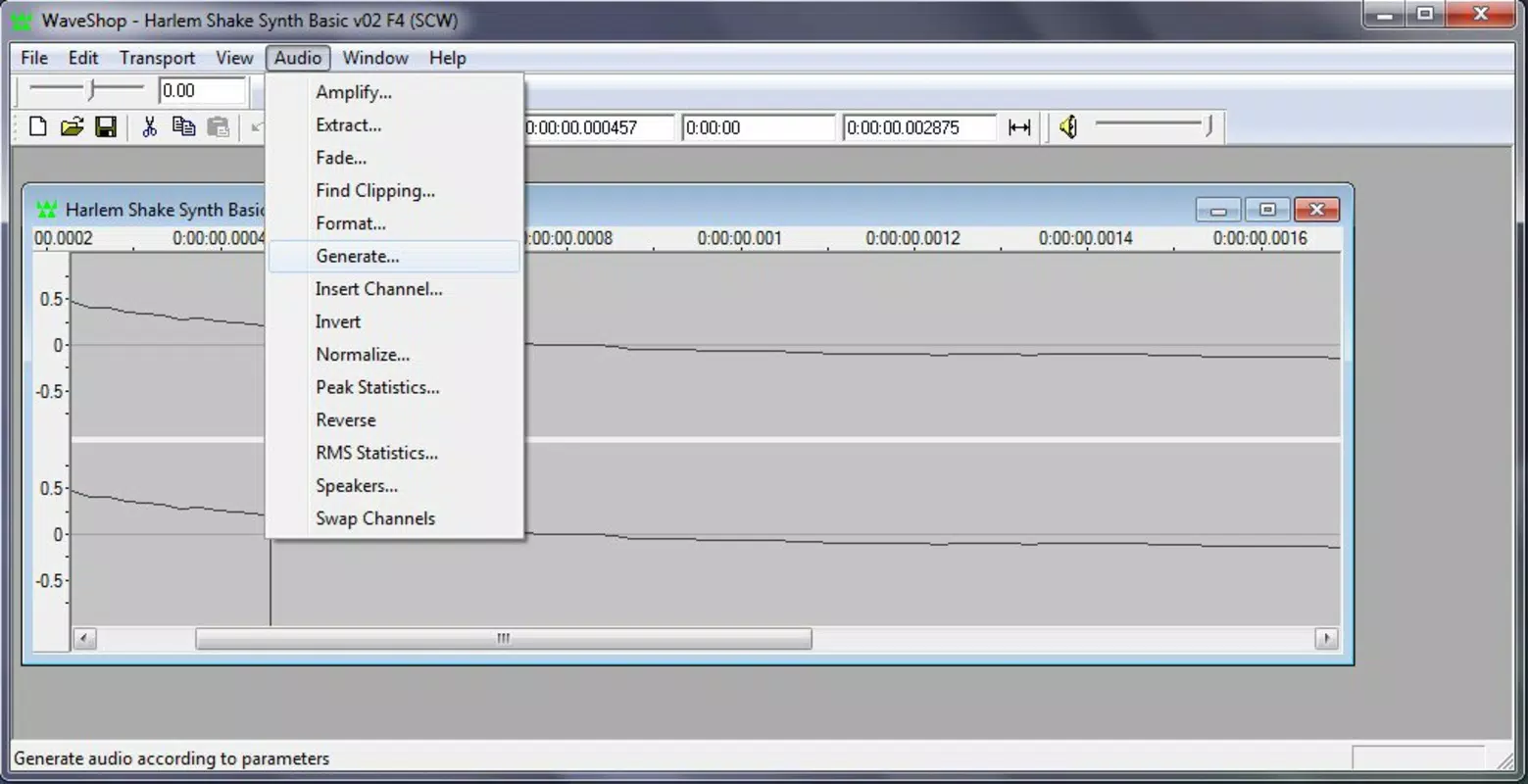
- Comprehensive Audio Manipulation Tools: The app includes amplification, fade-in/out effects, and audio modulation, enabling users to shape sound dynamics and transitions for professional-grade output.
- Large File Support: WaveShop can process audio files larger than 2GB, making it suitable for long-form recordings, studio sessions, or archival audio projects.
- DirectSound Integration: The use of DirectSound for playback ensures compatibility with a wide range of audio hardware and efficient real-time processing during editing.
For example, a podcaster could use selective editing to remove a pause or filler word from a 45-minute episode without re-recording the entire segment. Similarly, a music producer might use amplification and fades to smooth out transitions between tracks in a mix. These real-world applications highlight WaveShop’s practicality and efficiency in targeted audio workflows.
Interface, UX & Performance
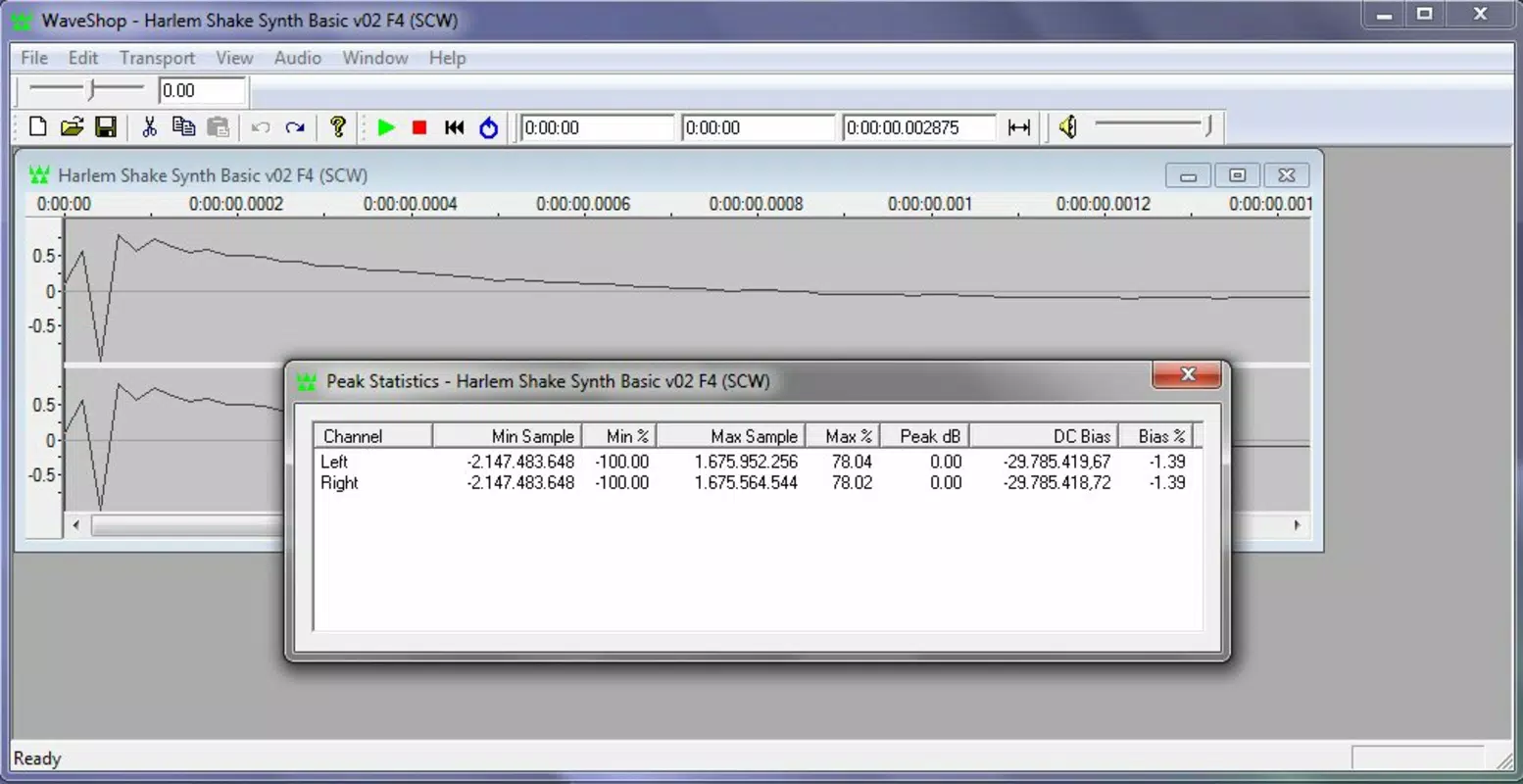
WaveShop features a clean, intuitive interface designed to streamline audio editing tasks. The layout prioritizes accessibility, with clearly labeled controls and a logical navigation flow that minimizes user confusion. The visual style is minimalistic, focusing on functionality rather than decorative elements, which helps reduce cognitive load during intensive editing sessions.
Users can easily access various channels and tools through a well-organized toolbar and context-sensitive menus. Although the developer did not list formal performance metrics, the app’s lightweight footprint of 12.4 MB suggests efficient resource usage. It operates smoothly on a range of Windows systems, with responsiveness maintained even when handling large audio files.
Stability appears to be a strength, supported by the app’s long-standing presence in the software ecosystem. The interface supports standard Windows commands, such as copy and paste, which enhances workflow efficiency for users familiar with desktop environments. While no specific information was provided about device compatibility or optimization across screen sizes, the app’s desktop-centric design implies it is intended for use on larger displays and traditional input devices like mice and keyboards.
Platform Compatibility & Technical Requirements
WaveShop is designed for the Windows platform and is compatible with Windows operating systems. The current version is 1.0.0, with a file size of 12.4 MB. The developer did not specify minimum OS requirements, nor did they provide details about hardware specifications or compatibility with newer Windows versions.
The app is available at no cost, making it accessible to a broad audience. Although it was first released in 2013, the absence of recent updates suggests the software may not fully support the latest Windows features or security protocols. Users should exercise caution when installing older software on modern systems.
The developer did not list any additional technical requirements, such as processor speed, RAM, or graphics capabilities. Compatibility information was not fully disclosed, so users are advised to test the application in their environment before full deployment.
Pros and Cons
Pros
- Free to download and use, enhancing accessibility for students and independent creators.
- Supports selective editing for precise audio modifications without affecting the rest of the track.
- Unlimited undo functionality encourages experimentation and reduces editing anxiety.
- Capable of handling audio files larger than 2GB, suitable for professional-grade projects.
- Lightweight size (12.4 MB) ensures minimal system resource consumption.
Cons
- Platform is limited to Windows; no information on iOS or Android availability.
- Version 1.0.0 has not been updated since 2013, raising concerns about compatibility with modern systems.
- Developer did not provide detailed technical specifications or system requirements.
- Interface lacks modern design elements, potentially feeling outdated to new users.
- No official support channels or update notifications were listed.
FAQ
Is WaveShop safe to download and install?
Yes, the app is free and available through official channels. However, since it has not been updated since 2013, users should ensure their system has up-to-date security measures before installation.
Can I use WaveShop on macOS or Linux?
There is no information indicating support for macOS or Linux. The app is designed exclusively for Windows.
Does WaveShop support audio formats like MP3 or WAV?
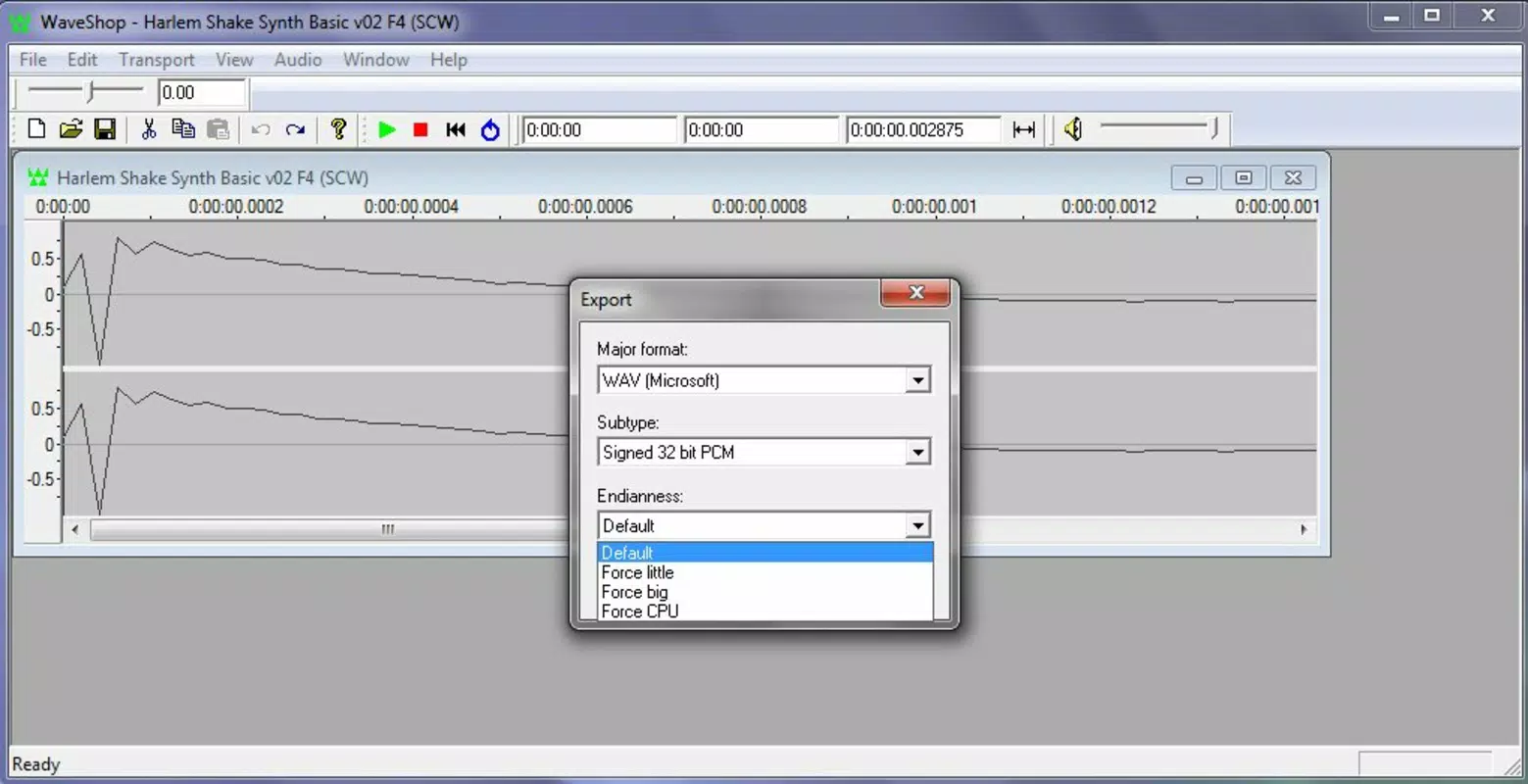
While specific format support was not listed, its ability to modify file formats suggests compatibility with common audio types such as WAV and MP3.
Is WaveShop regularly updated?
Version 1.0.0 was released in 2013, and no updates have been reported since. Users should expect limited or no future updates.
Can I use WaveShop for music production?
Yes, the app includes tools like amplification, fades, and audio modulation, which are useful for basic music production tasks such as mixing and editing.
Final Thoughts
WaveShop remains a niche but functional audio editing tool for users who need precise, selective editing capabilities within a lightweight framework. Its ability to handle large files and offer unlimited undo makes it a practical choice for both amateur and professional audio editors seeking a focused utility. While its outdated release date and lack of updates raise concerns about long-term compatibility, the app’s core features continue to serve specific use cases effectively.
For those working on Windows systems who require targeted audio edits without the complexity of full-featured DAWs, WaveShop offers a reliable, free solution. Its simplicity and performance in niche tasks underscore its value in the productivity software landscape. If you’re looking for a no-frills audio editor that prioritizes precision and file integrity, WaveShop is worth exploring.
Download WaveShop now


